For owners, operators, and team leaders

Put your expertise to work with AI.

Learn to turn what you know into useful tools, better ways of working, and new things you can offer your customers. Mighty AI Lab brings together practical guides, ready-made AI systems, live sessions, and help from people doing the work alongside you.

Billed monthly. Cancel any time.

Ronnie Parsons, founder of Mighty AI Lab
Inside the Lab · Mighty OS
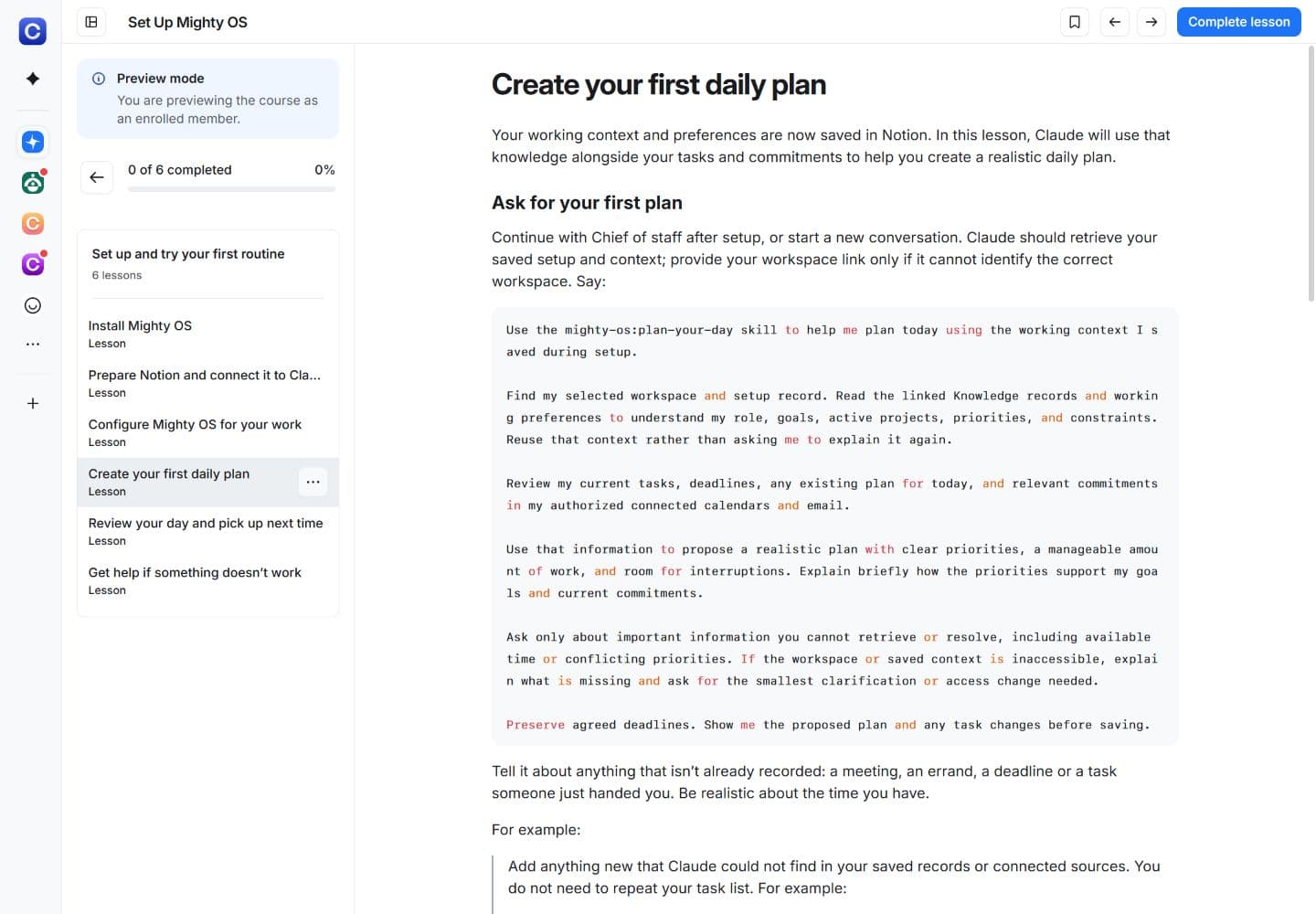
Create your first daily plan: an actual Mighty OS lesson inside the community
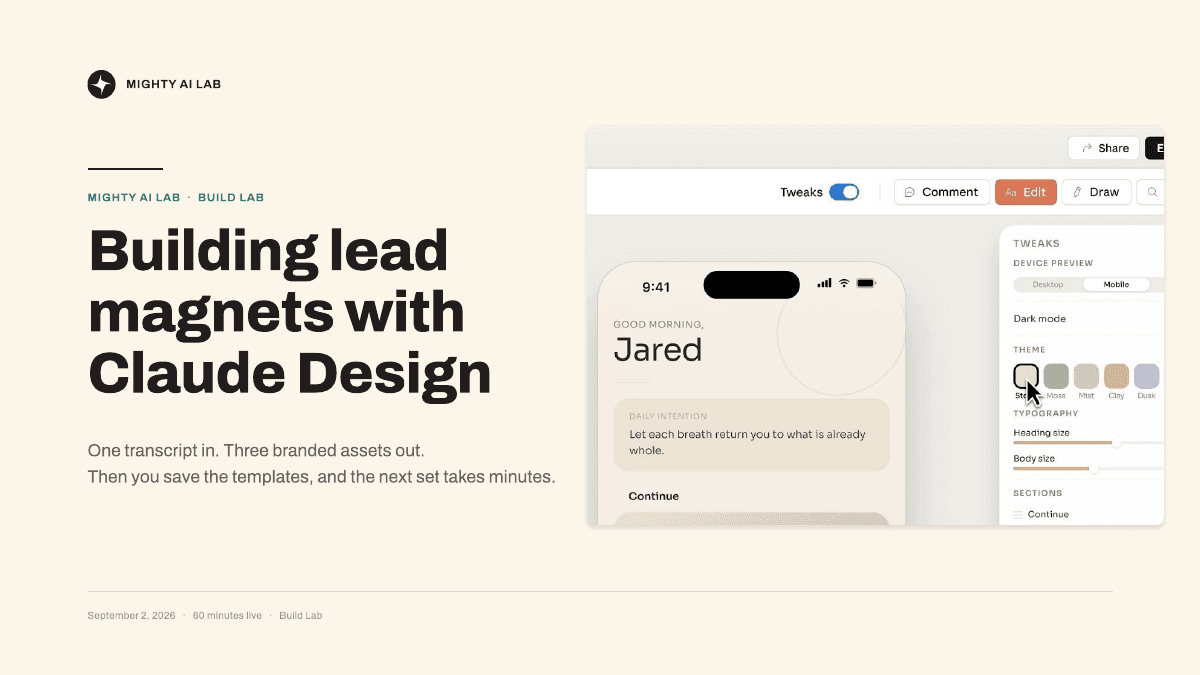
A real Build Lab workshop: Building Lead Magnets with Claude Design
Practical guides. Real projects. Help along the way.

Expertise first.
AI where it adds value.

Sound familiar?

  • You keep explaining your work to AI before you can get anything useful done.
  • You’ve collected prompts and watched tutorials, but struggle to apply them to your work.
  • You have ideas for what AI could help you do, but get stuck figuring it out alone.

Why join us

Build useful AI systems around what you know.

  1. 01

    A starting point you can build on

    Use ready-made systems and step-by-step guides to get going. Adapt them to the work you need to do.

  2. 02

    Your knowledge, put to work

    Give AI your methods, examples and standards so it can help you produce work you can actually use.

  3. 03

    Help when you get stuck

    Work through practical examples in live sessions. Bring your questions and unfinished work to Ronnie and the community.

What’s included

What you get inside the Lab

Practical systems, step-by-step teaching, and people to help you use AI in your work.

01 / YOUR FRAMEWORK

Mighty OS

Your framework for getting up and running with AI.

A collection of ready-made skills and an agent called Chief of staff that helps you use them. Give AI the background it needs, then get help planning your work, developing ideas and picking up unfinished projects.

  • Choose today’s priorities
  • Sort through your inbox
  • Organize your calendar
  • Work through a new idea
  • Write down how you work
  • Pick up where you left off

Setup guides and templates for business, team or personal use included.
02 / LIVE TOGETHER

Weekly live workshops and Office Hours

See how it’s done. Get help with your own work.

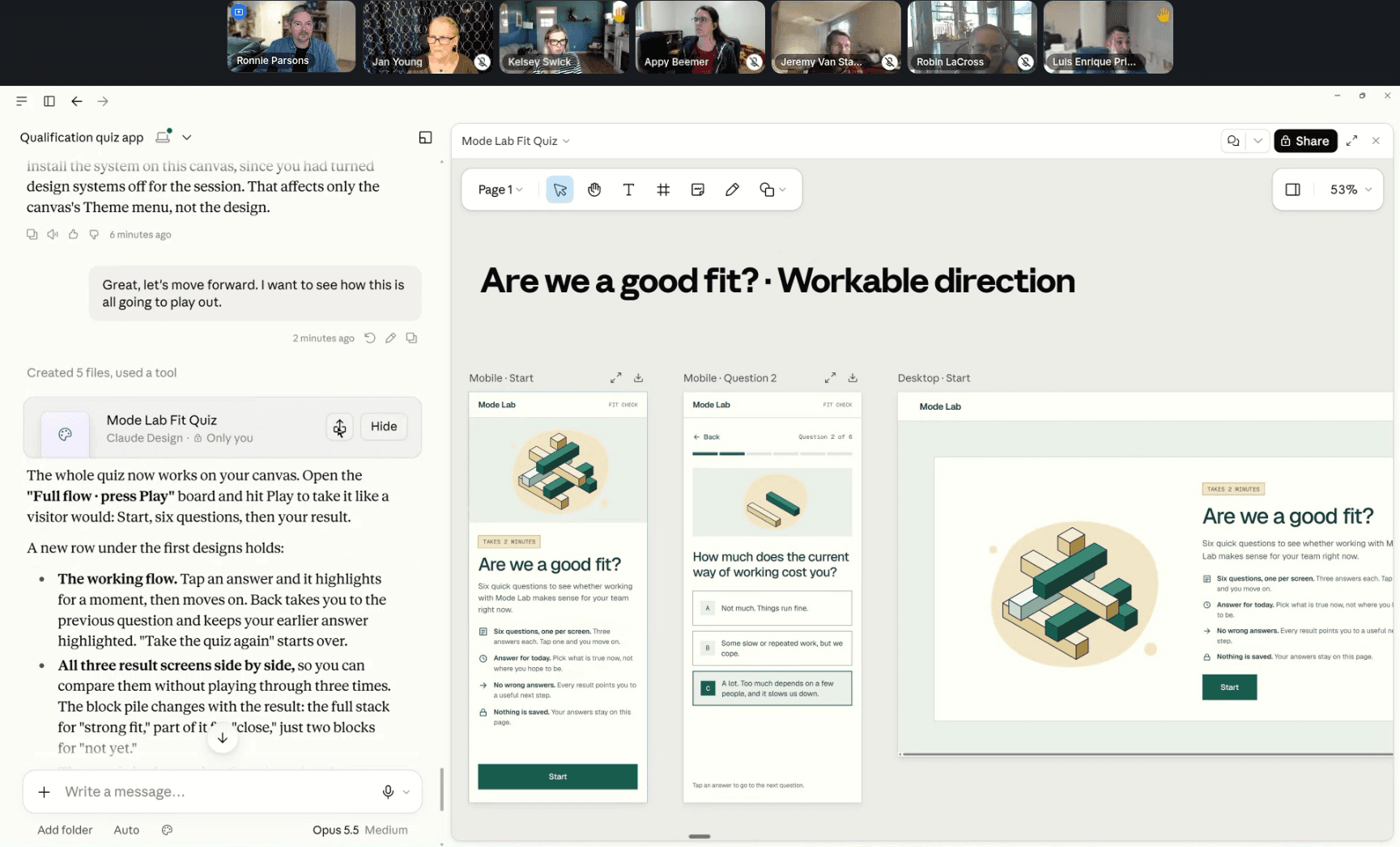
Join Ronnie for Wednesday Build Lab sessions to work through practical AI projects. Bring questions, setup problems or work in progress to Friday Office Hours.

Revisit workshop recordings and their supporting prompts, files and resources when you want to try something yourself.

Ronnie leading a live workshop, with members on screen and a qualification quiz being built for desktop and mobile
03 / LEARN AT YOUR PACE

Step-by-step guides and courses

Follow practical guides to set up your AI tools, use them in your work, and build your first solution.

  1. 01Set up your AI
  2. 02Put it to work
  3. 03Build something useful
04 / USE AND ADAPT

Skills, prompts and templates

Start with ready-made resources. Add your information and adapt them to your work.

  • Prepare a proposalSkill
  • Research a sales leadSkill
  • Discover my nichePrompt
  • Validate my product ideaSkill
05 / ASK AND SHARE

Help from Ronnie and the community

Share what you’re working on. Get help with a question, a problem, or your next version.

Ronnie Parsons
Help & FeedbackWith Ronnie and the community

When you ask for help

  • What are you trying to do?
  • What have you tried?
  • Where are you stuck?
Join Mighty AI Lab · $97/month

Software subscriptions are separate from membership.

Recorded workshops

See the work inside the Lab

Follow a recorded workshop, use the supplied resources, and apply what you learn to your own work.

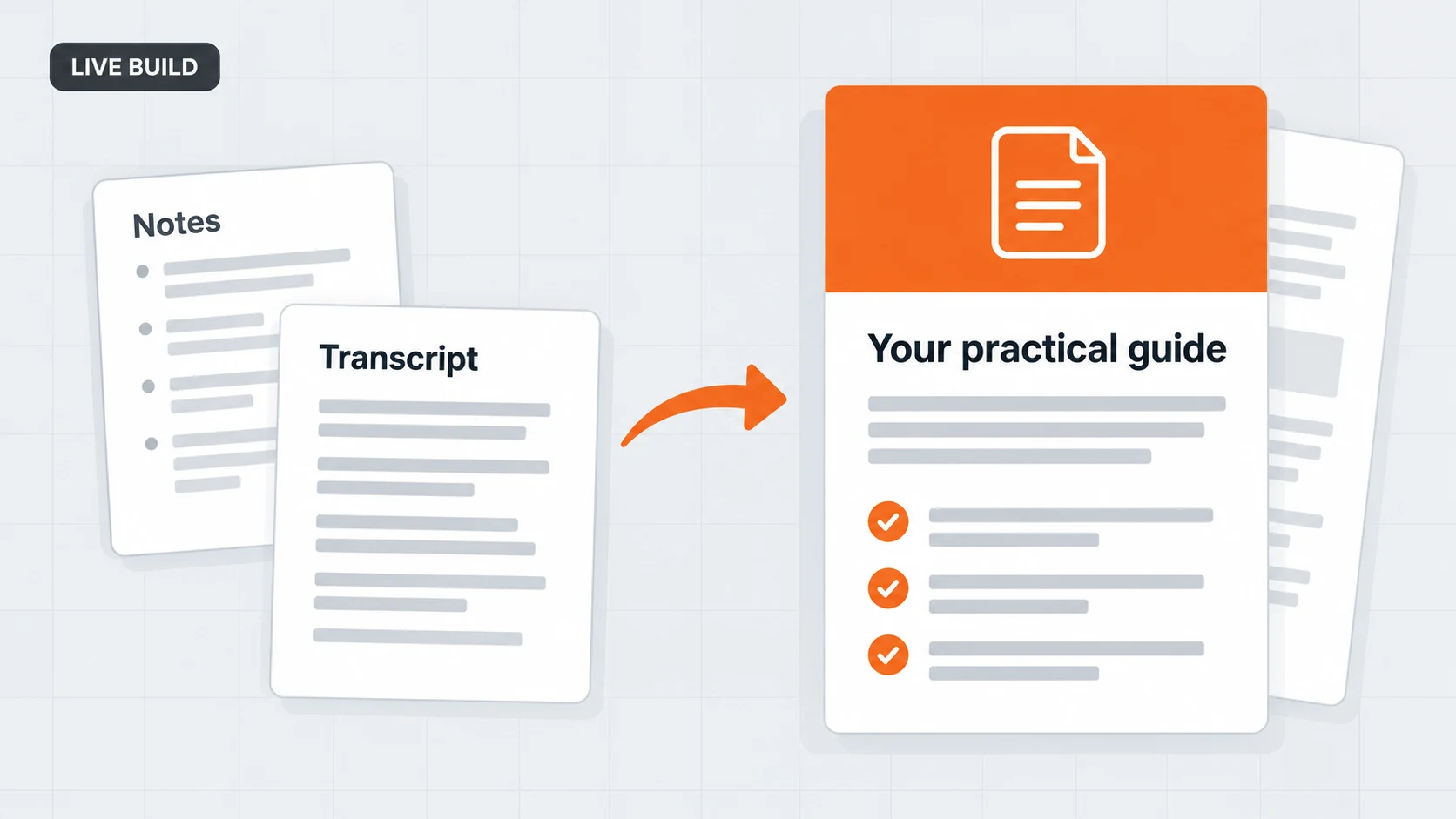
Live Build illustration: notes and a transcript become a practical guide

Turn your knowledge into a useful guide

Take a transcript, presentation or set of notes and turn it into a resource you can share with customers or prospects. Learn to organize the content, design the guide and save the layout as a reusable template.

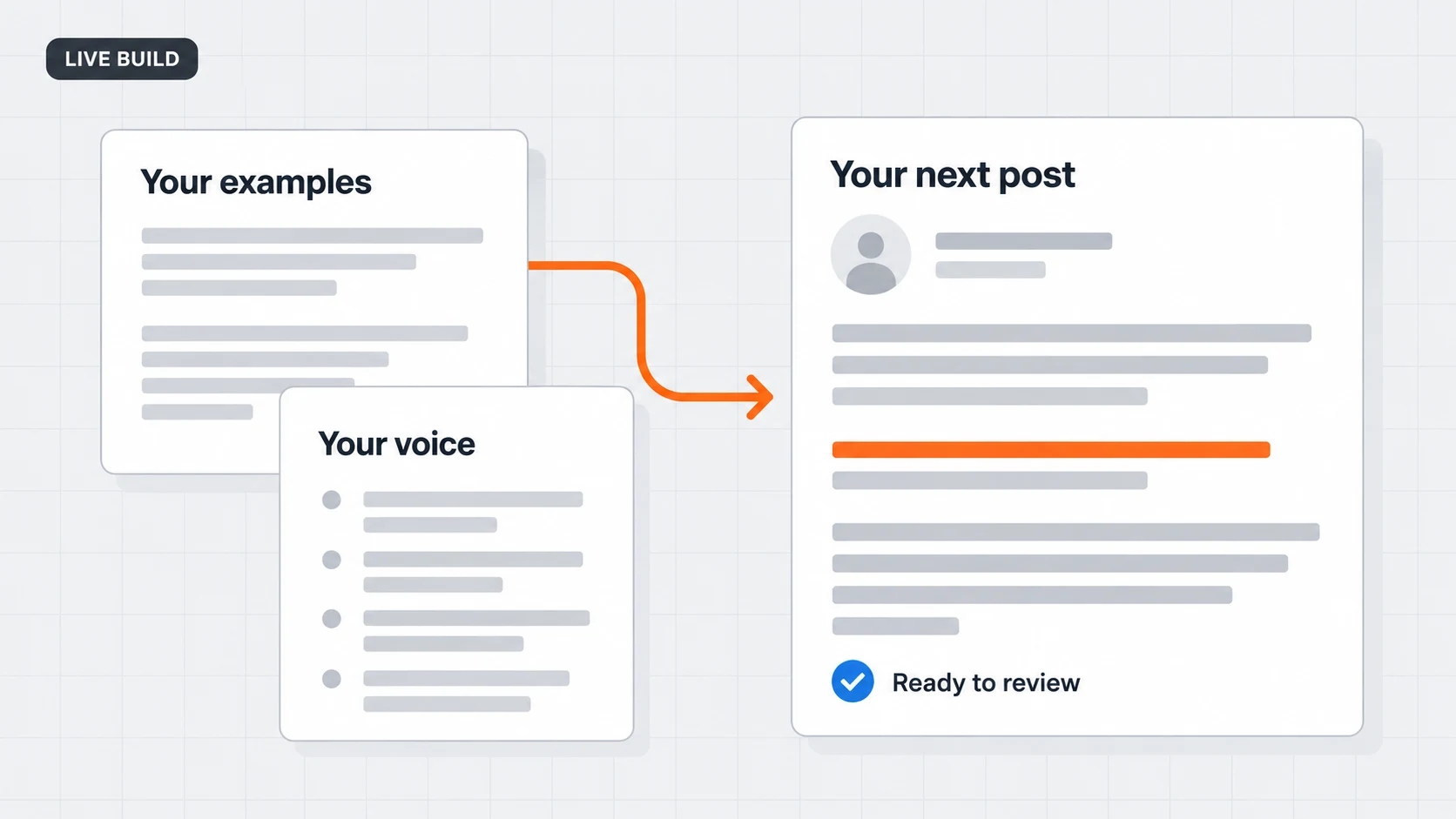
Live Build illustration: writing examples and voice guidance shape a post for review

Build a writing tool around your voice

Use examples of your own writing to create a tool that helps draft LinkedIn posts. Learn how to capture your style, review what AI produces and improve the instructions when a draft misses the mark.

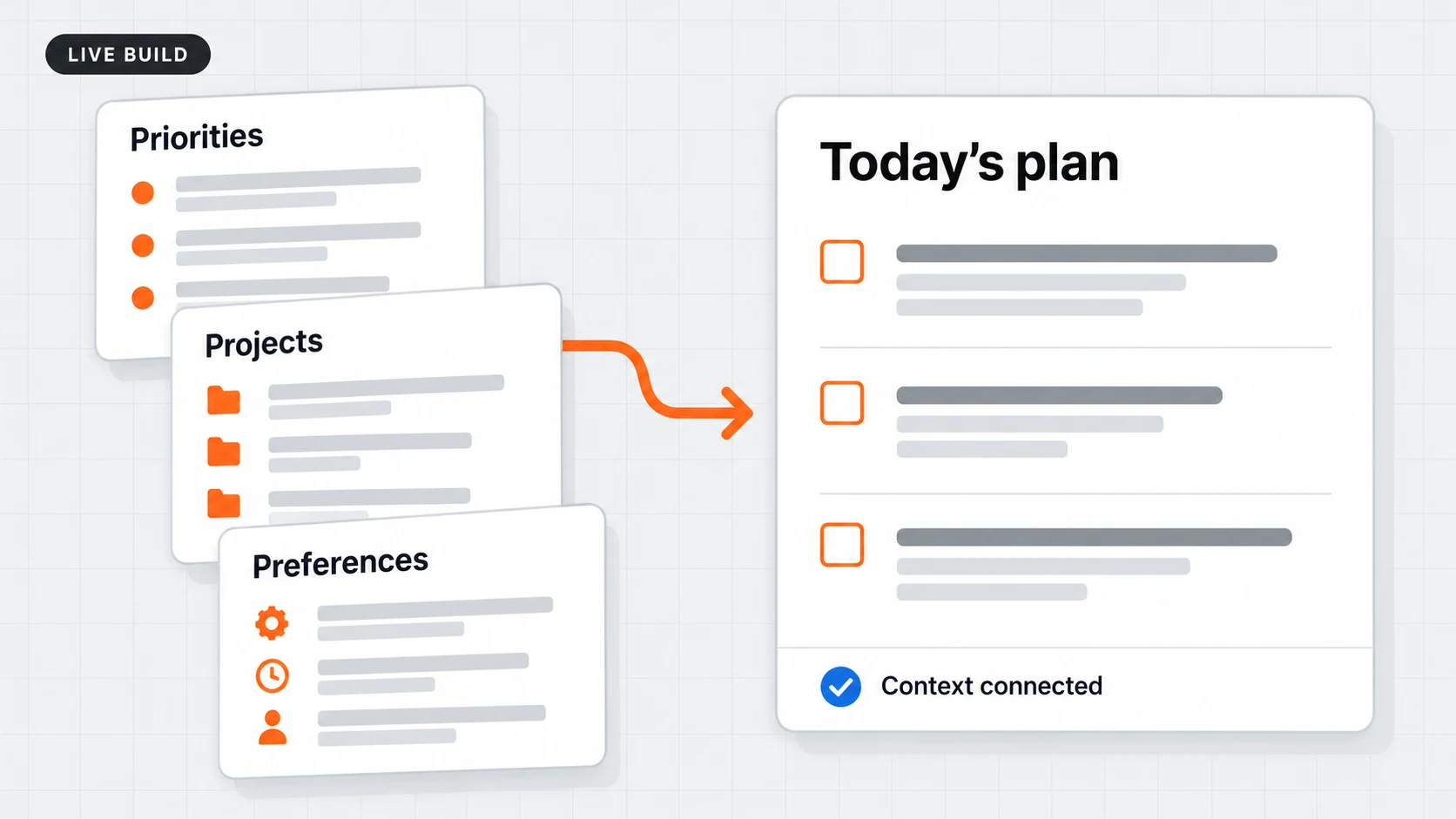
Live Build illustration: priorities, projects and preferences inform a daily plan

Give AI the background it needs

Set up Mighty OS and save your priorities, projects and working preferences in Notion. Learn how to make that information available to AI so you spend less time repeating yourself.

Browse upcoming events →

How you get started

Start with one thing
AI can help with today.

  1. 01

    Get set up.

    Follow the starting guide to tell AI about your work, priorities and preferences.

  2. 02

    Put it to work.

    Choose a task or idea. Use the guides and resources to make a first version.

  3. 03

    Get help and improve it.

    Bring your work and questions to the community. Use the feedback to improve your next version.

Ronnie Parsons
Ronnie Parsons · Founder, Mighty AI Lab

Your guide inside the Lab

Build with Ronnie Parsons.

For more than two decades, I’ve helped businesses rethink how they design, develop and deliver their work—from new product development and manufacturing methods to organizational design and team enablement.

That experience shapes how I approach AI today. I look at the work people need to do, the expertise they bring, and what would help them do it better or take on something new.

I lead the weekly Build Lab and Office Hours, and I answer questions in Help & Feedback. You’ll see what I’m building, how I approach it and what I change when something doesn’t work.

Bring your questions, ideas and unfinished work. I’ll help you think through how AI can help, and the next steps to put it into practice.

Membership

Join Mighty AI Lab.

Practical guidance and support to put AI to work.

$97/ month

Join Mighty AI Lab

Billed monthly. Cancel any time.

Software subscriptions are separate. The guided setup uses a paid Claude plan, plus free GitHub and Notion accounts. You will receive access to our community tool repository after you join.

Questions

What you need to know before joining

Do I need technical experience?

No coding experience is needed to get started. Follow the setup guides and ask for help as you go.

I already use AI every day. Is this for me?

Yes, if you want to make recurring work easier, build tools around your expertise, or develop something you can offer customers.

How much time do I need?

Work through the guides at your own pace. Live sessions are usually one hour; join the ones relevant to your work.

What if I can’t attend live?

Watch the workshop recordings and use the supporting resources when it suits you. Post questions in Help & Feedback between sessions.

Is this an individual or team membership?

Membership is for you as an individual. You can apply what you learn to your business, your team or customer projects.

Which tools do I need?

The guided setup uses a paid Claude plan, plus free GitHub and Notion accounts. You will receive access to our community tool repository after you join. Other tools depend on what you choose to build.

Can I cancel?

Yes. Membership is billed monthly, and you can cancel any time.

Your next step

Put your expertise to work with AI.

Turn your expertise into AI tools that save you time, improve your work or become a product you can sell. Build them with ready-made systems, weekly workshops and direct help from Ronnie.

Join Mighty AI Lab · $97/month

Billed monthly. Cancel any time.